Practical file guides, without the fluff
Clear help for working with images, video, PDFs and documents, including the tradeoffs each format brings.
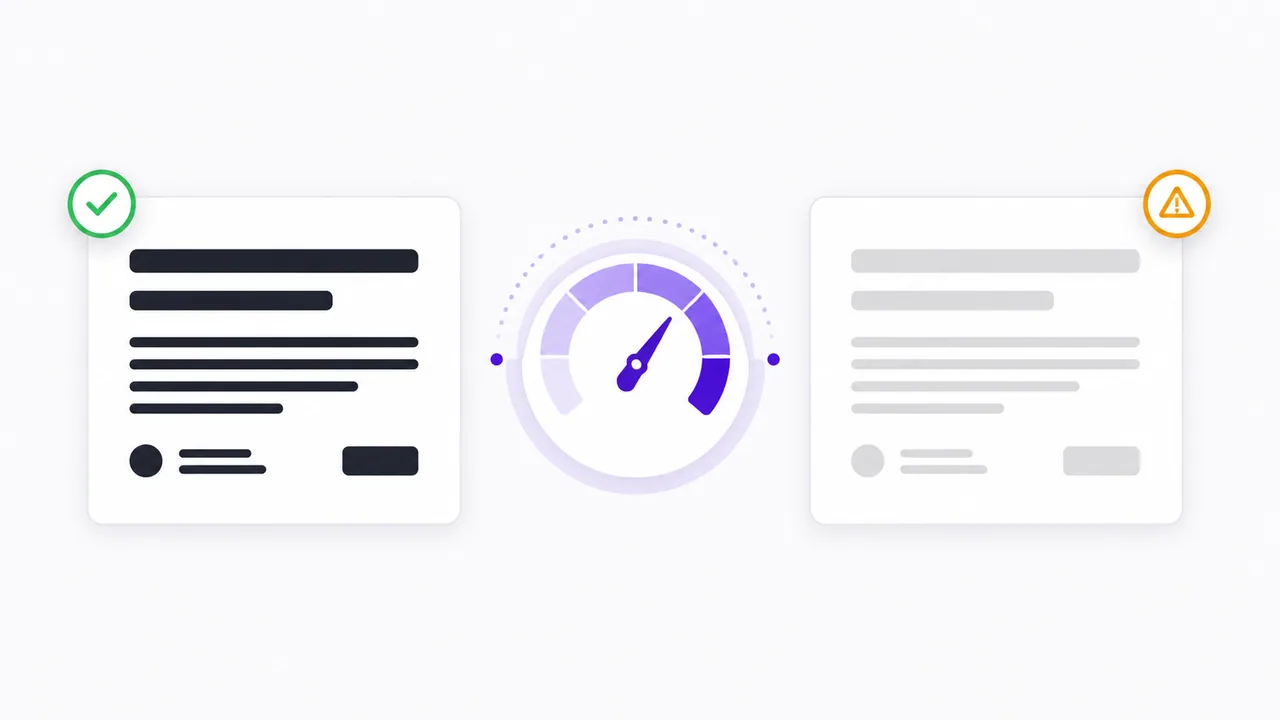
How to Check Text and Background Color Contrast
Learn how WCAG contrast ratios work, test text and background colors, and understand why a passing contrast result is only one part of accessibility.
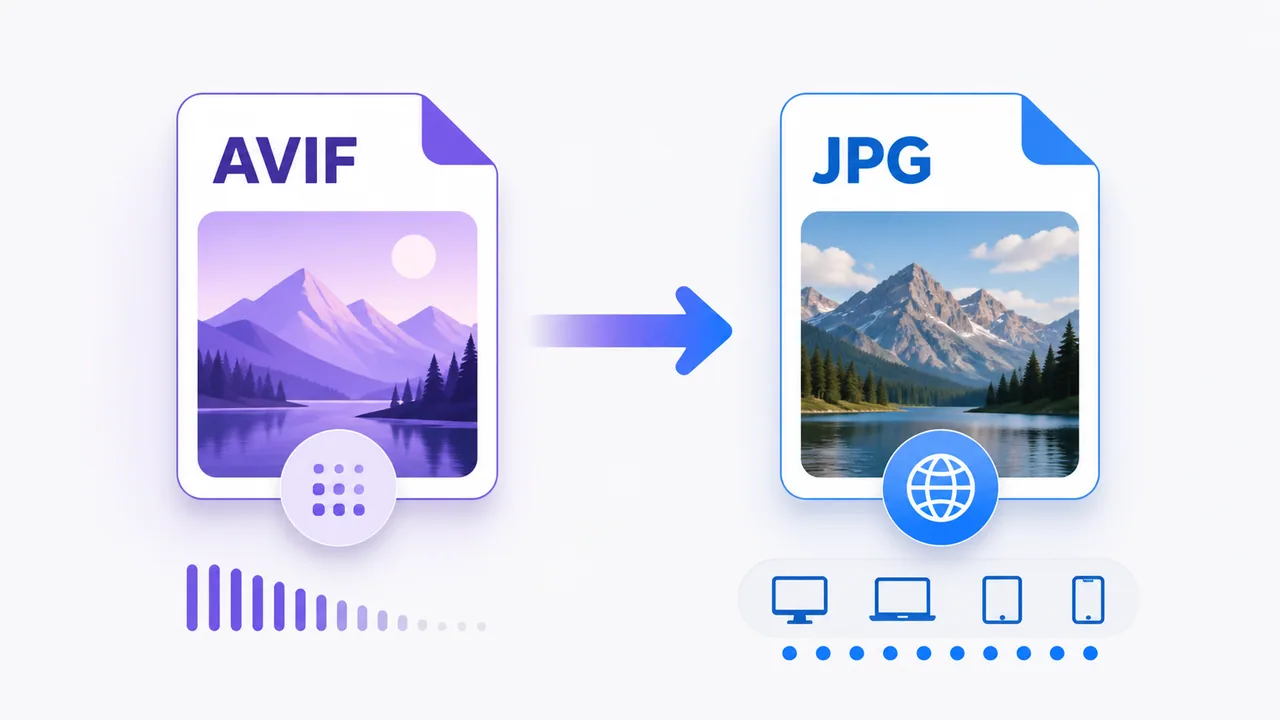
AVIF vs JPG: Which Image Format Should You Use?
Compare AVIF and JPG compression, compatibility and editing support, and decide when converting an AVIF image to JPG is practical.
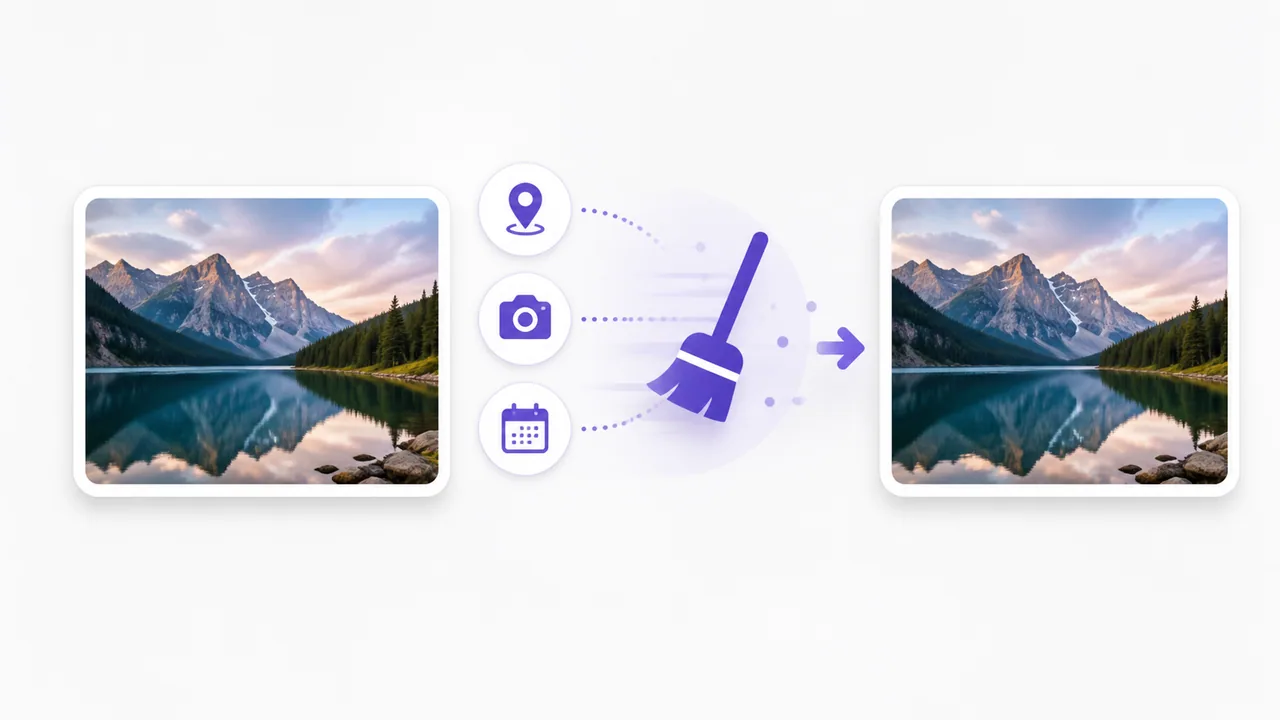
How to Remove EXIF Data From a Photo
Understand what standard EXIF can contain and remove EXIF APP1 data from JPG or JPEG photos without re-encoding their pixels.
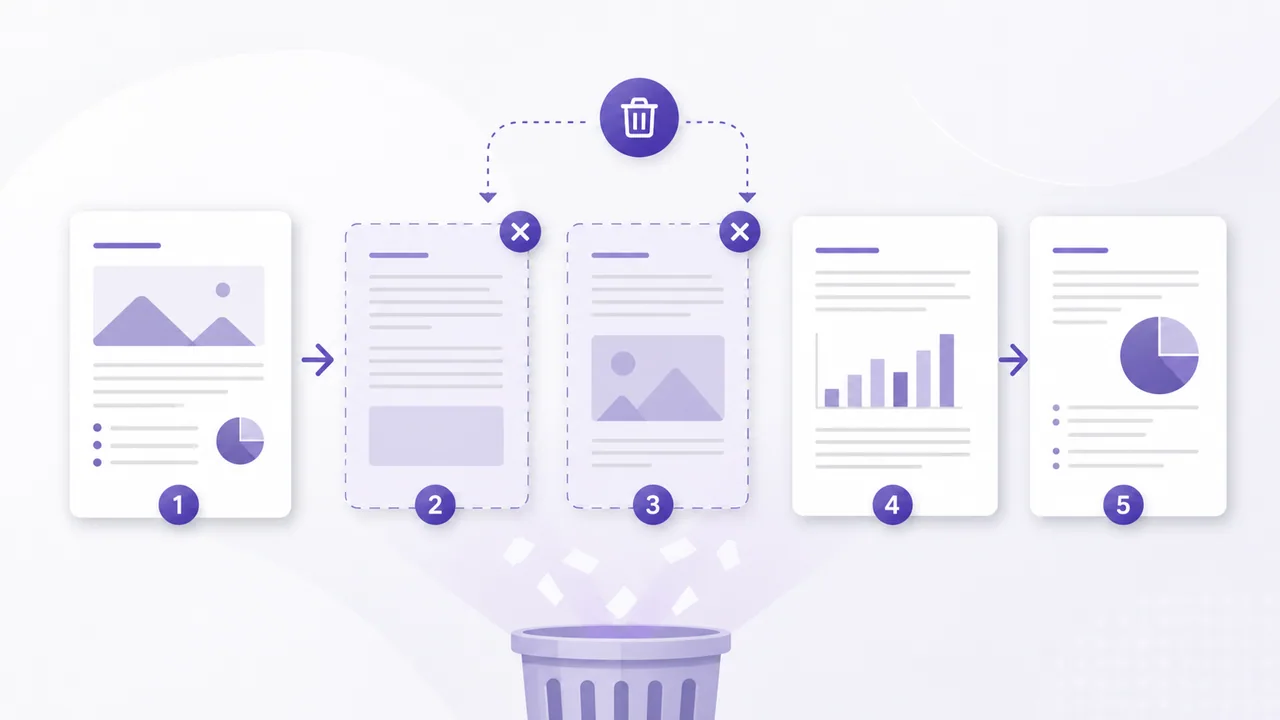
How to Delete Pages From a PDF
Remove unwanted PDF pages in your browser, keep the remaining pages in order, and understand the effects on signatures and advanced document features.
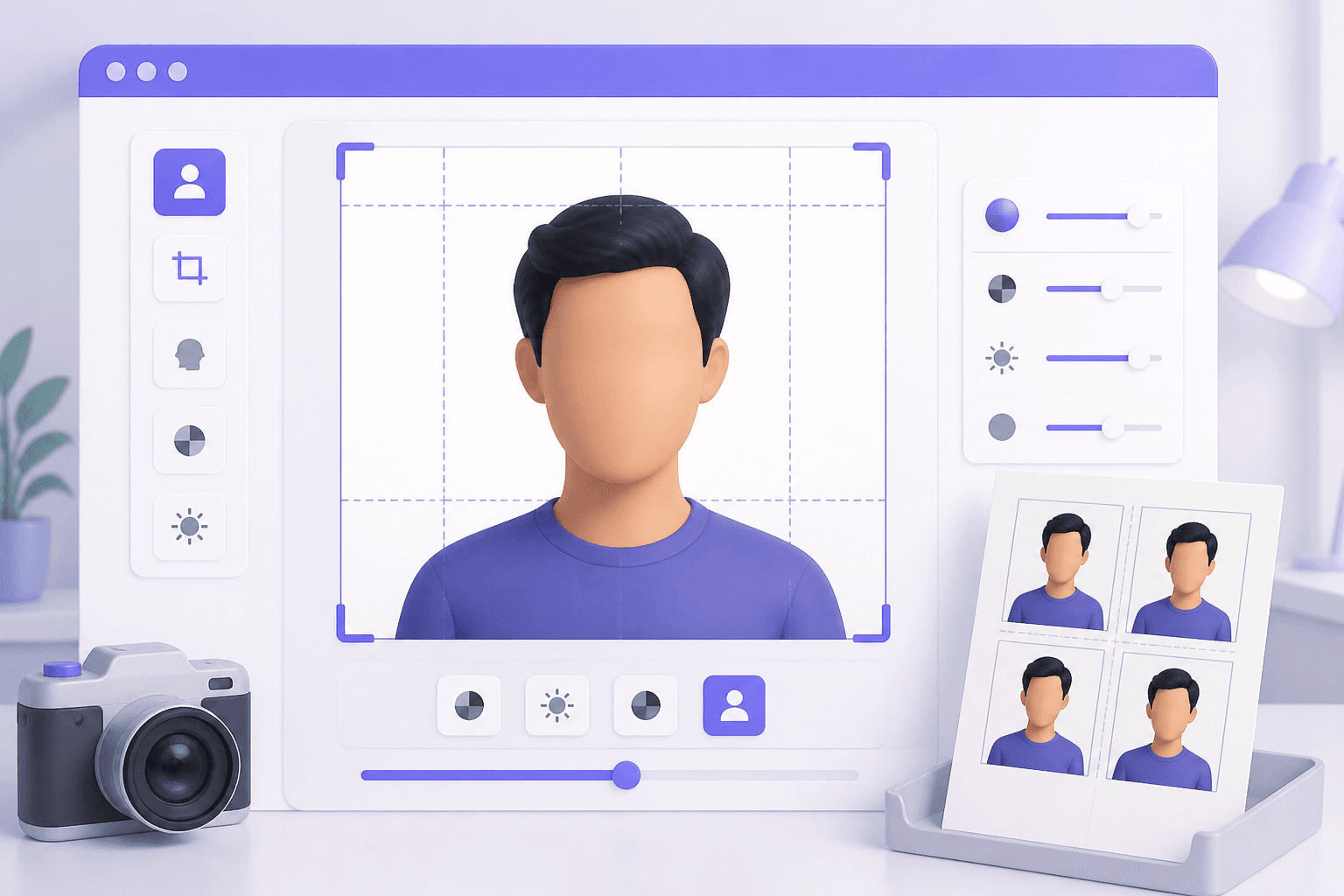
How to Make a Passport Photo Online at the Correct Size
Prepare a correctly sized passport or visa photo in your browser, with practical guidance for lighting, framing, backgrounds, and official requirements.
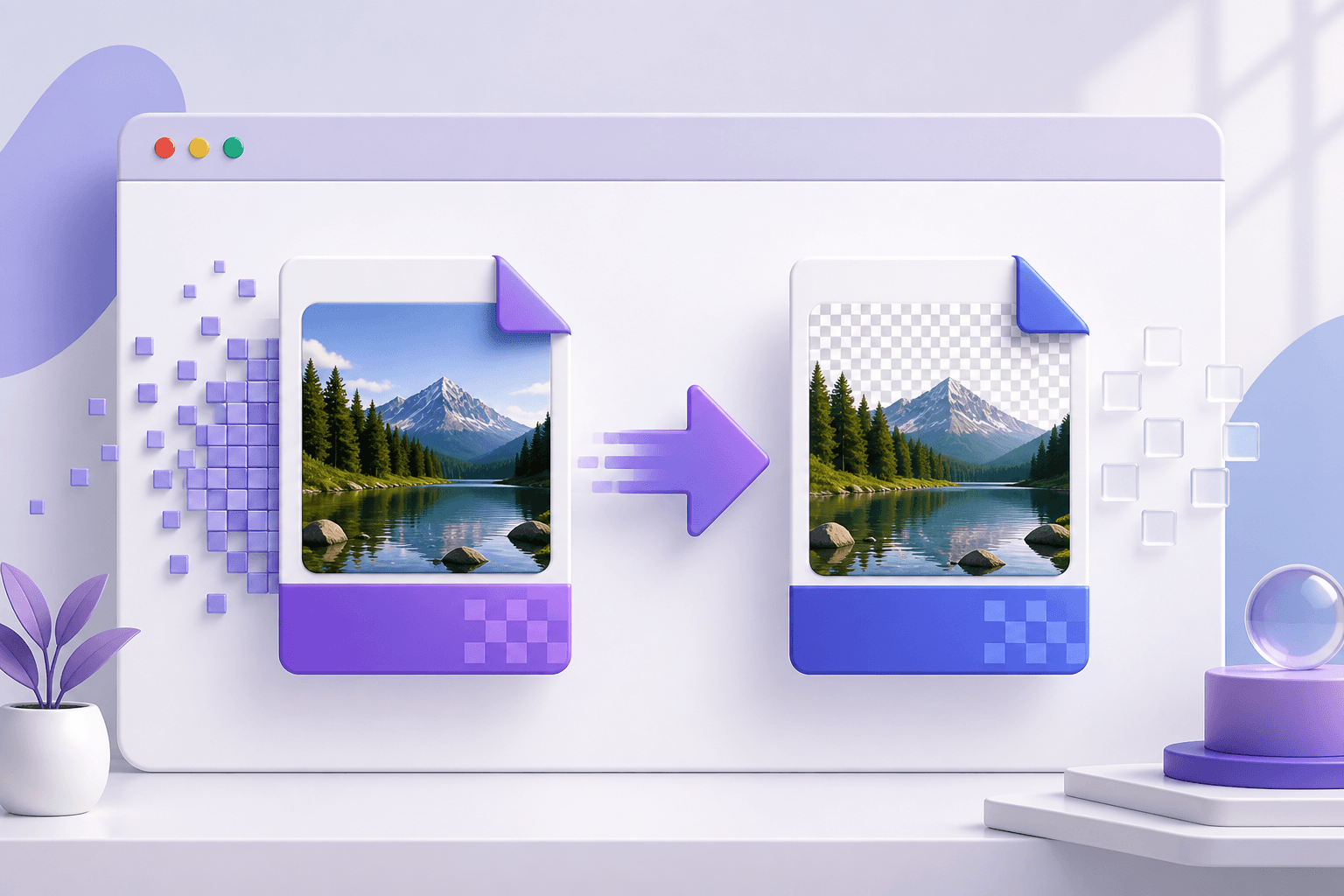
How to Convert JPG to PNG Online (and When You Should)
Convert a JPG image to PNG in your browser, understand what changes during conversion, and decide whether PNG is the right format for your image.
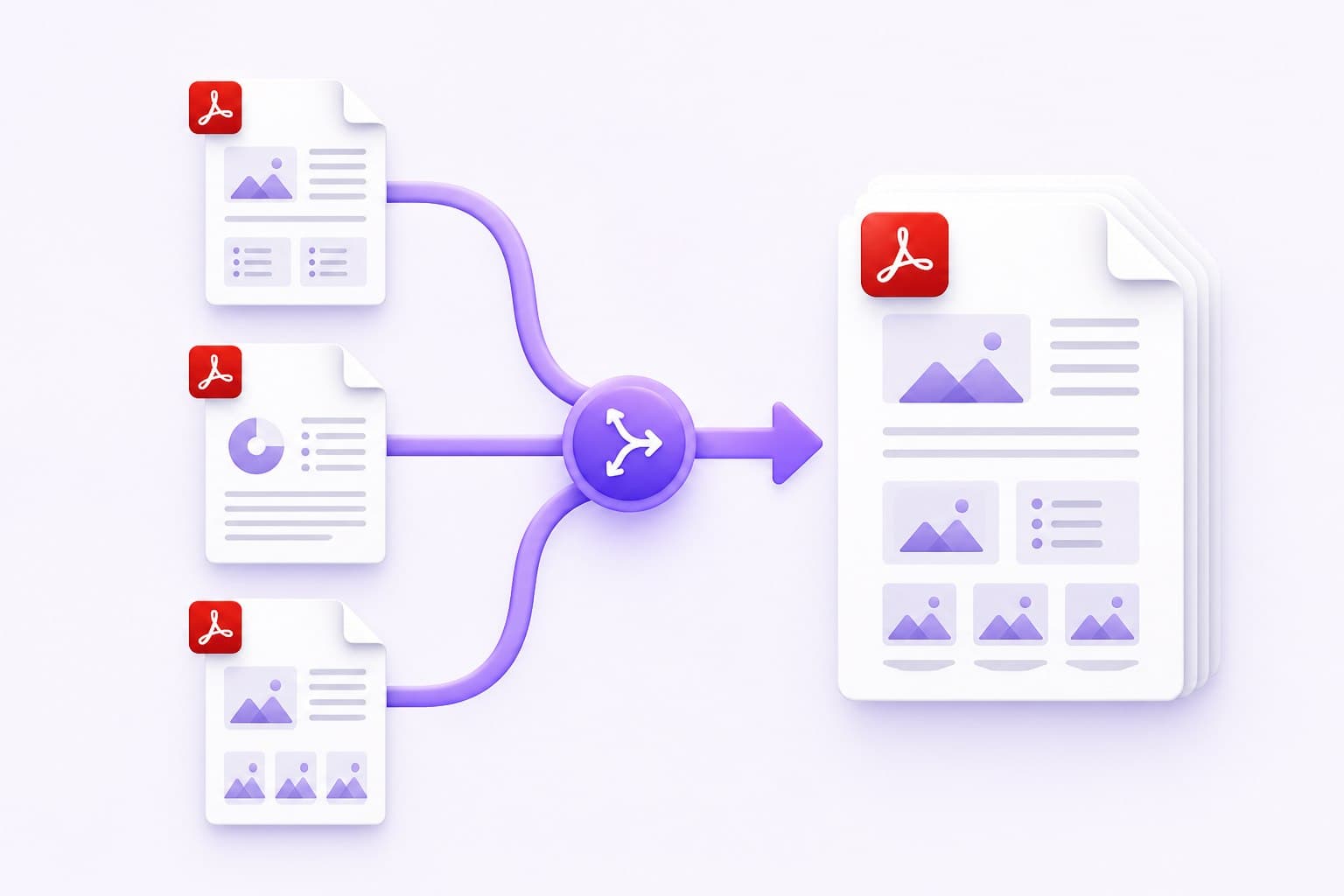
How to Merge PDF Files Online, in the Right Order
Combine two or more PDFs into one organized document without installing software. Learn how to set the correct order, protect private files, and fix common merging problems.
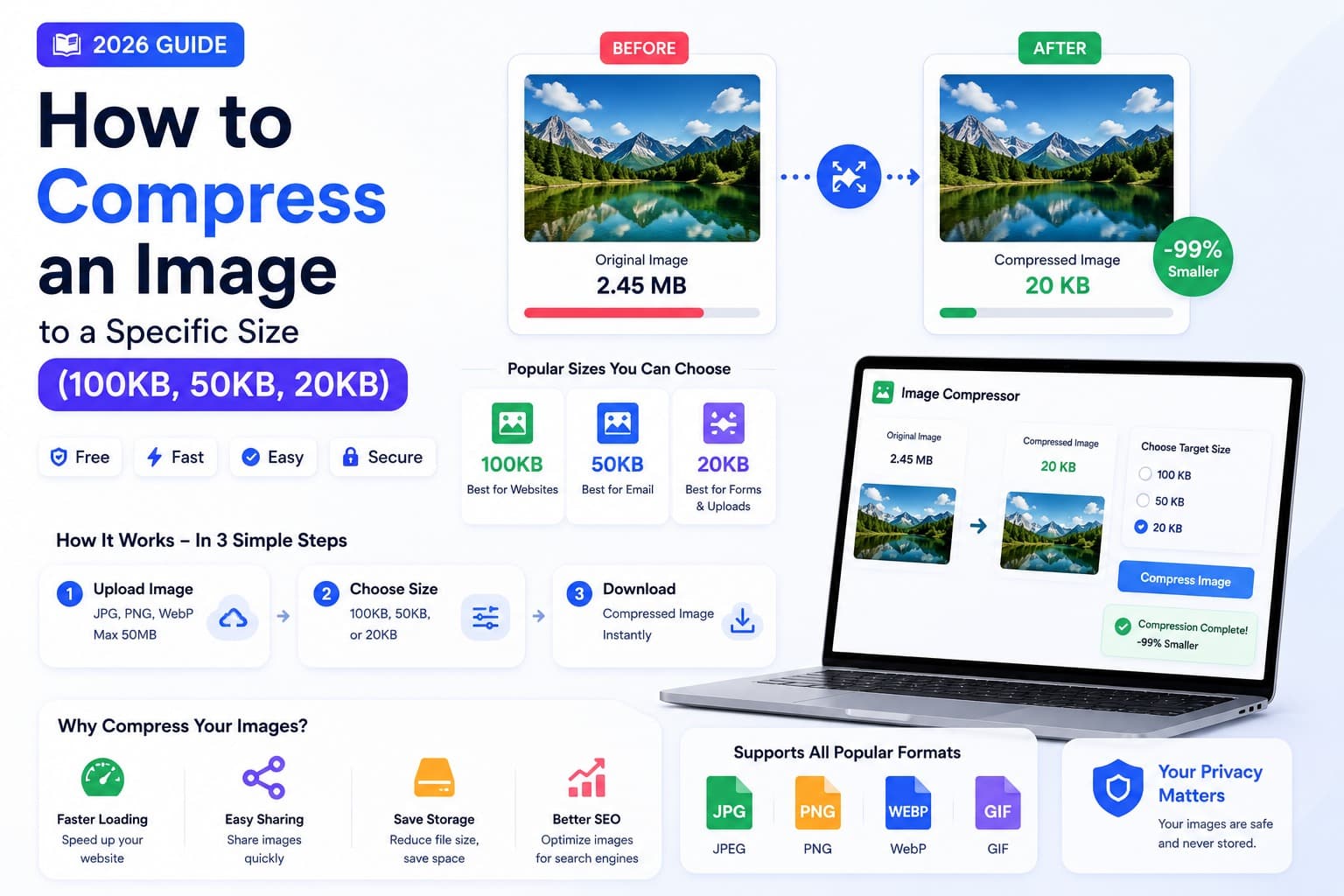
How to Reduce Image Size to 100KB Online
Need an image under 100KB for a form, website, or email? Learn how the approximate target works and what to adjust when one pass is not enough.
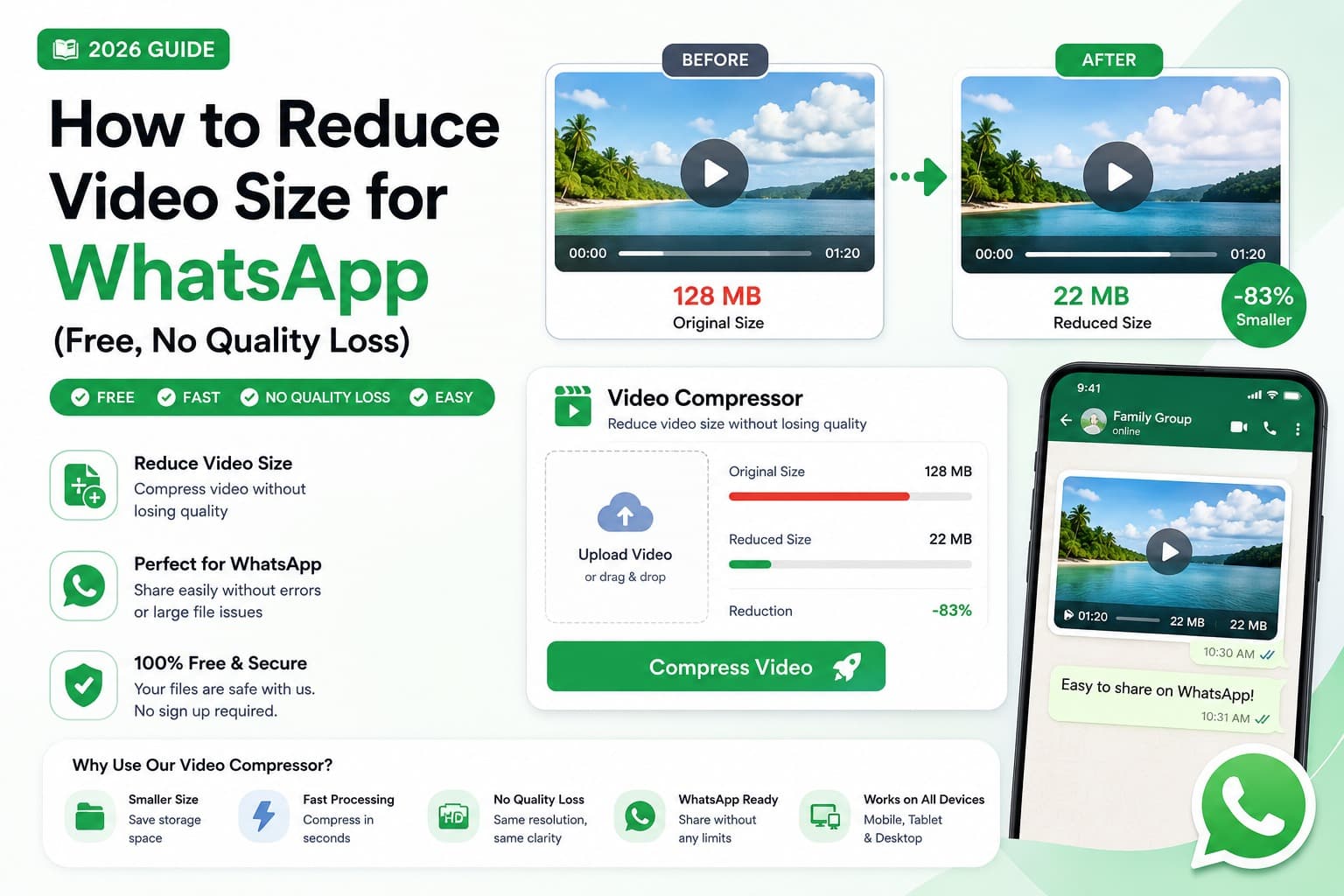
How to Make a Video Smaller for WhatsApp
Learn how to make a WhatsApp video smaller and why the right target depends on your platform, connection and whether you share media, a document or a Status update.
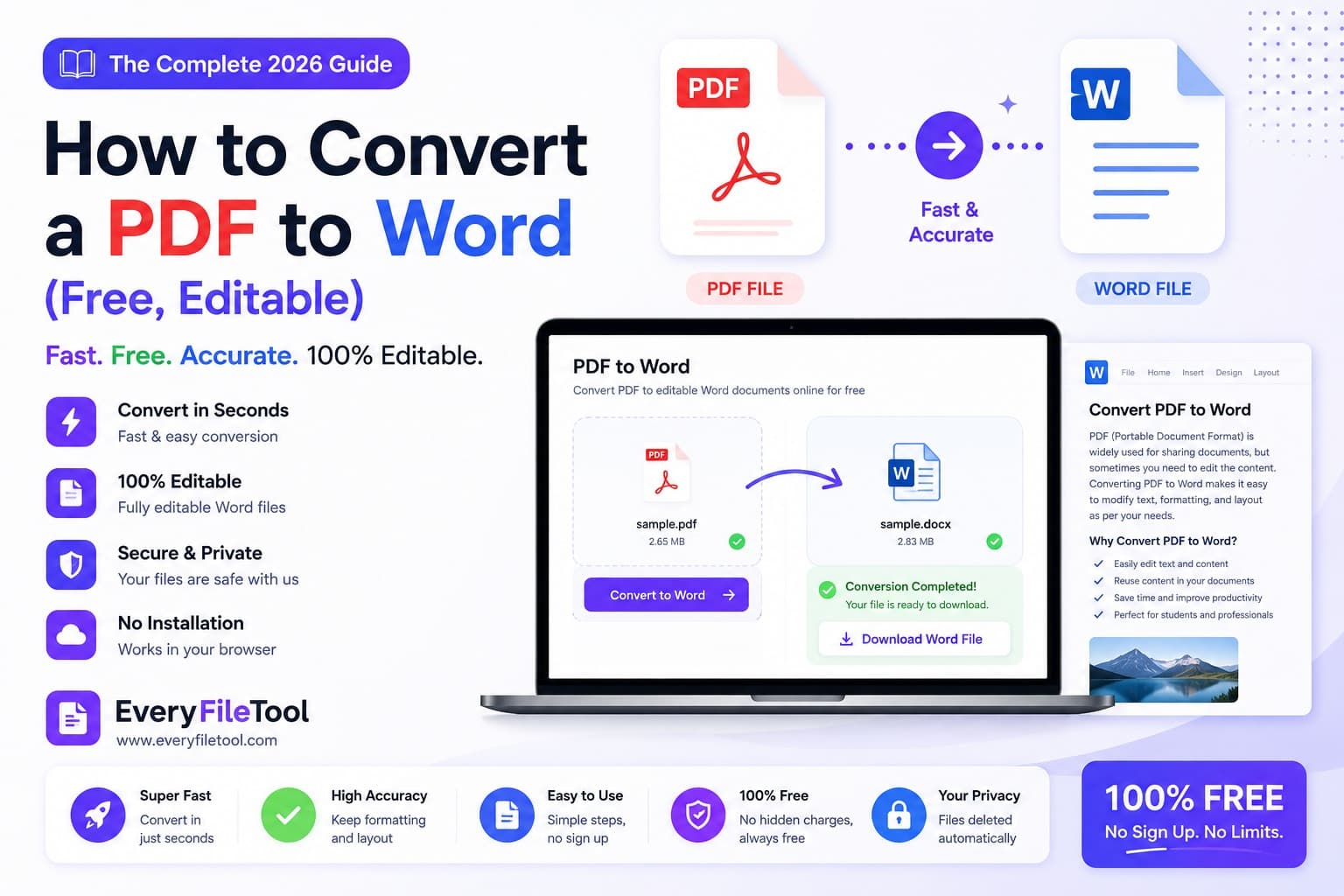
How to Convert PDF Text to an Editable Word File
Need to reuse wording from a PDF? Learn how to extract selectable text into a simple Word document, and when OCR or manual formatting is still needed.
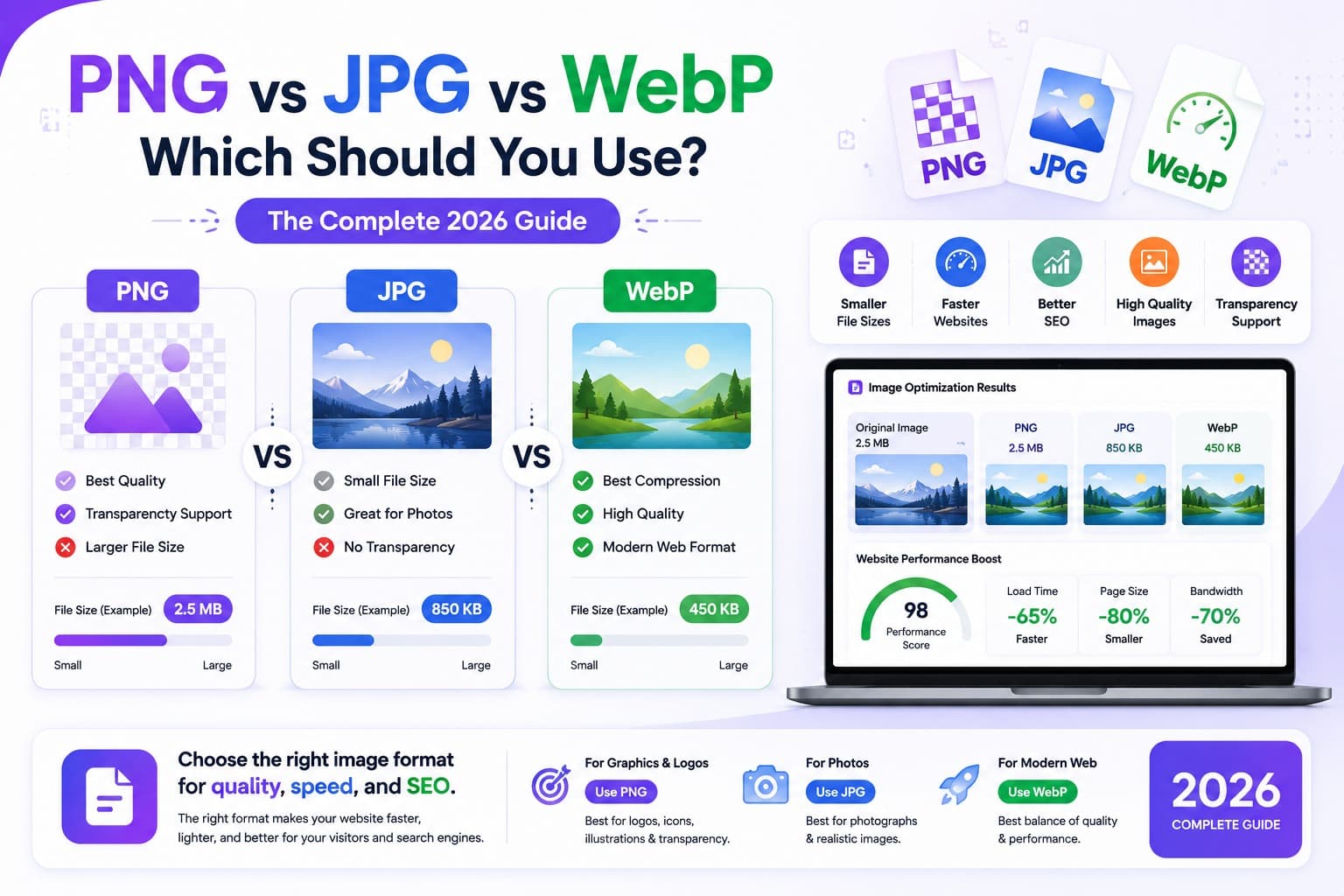
PNG vs JPG vs WebP: Choosing the Right Image Format
Confused about PNG, JPG and WebP? Learn the real difference between the three most common image formats, when to use each, and how to convert between them - free and in your browser.
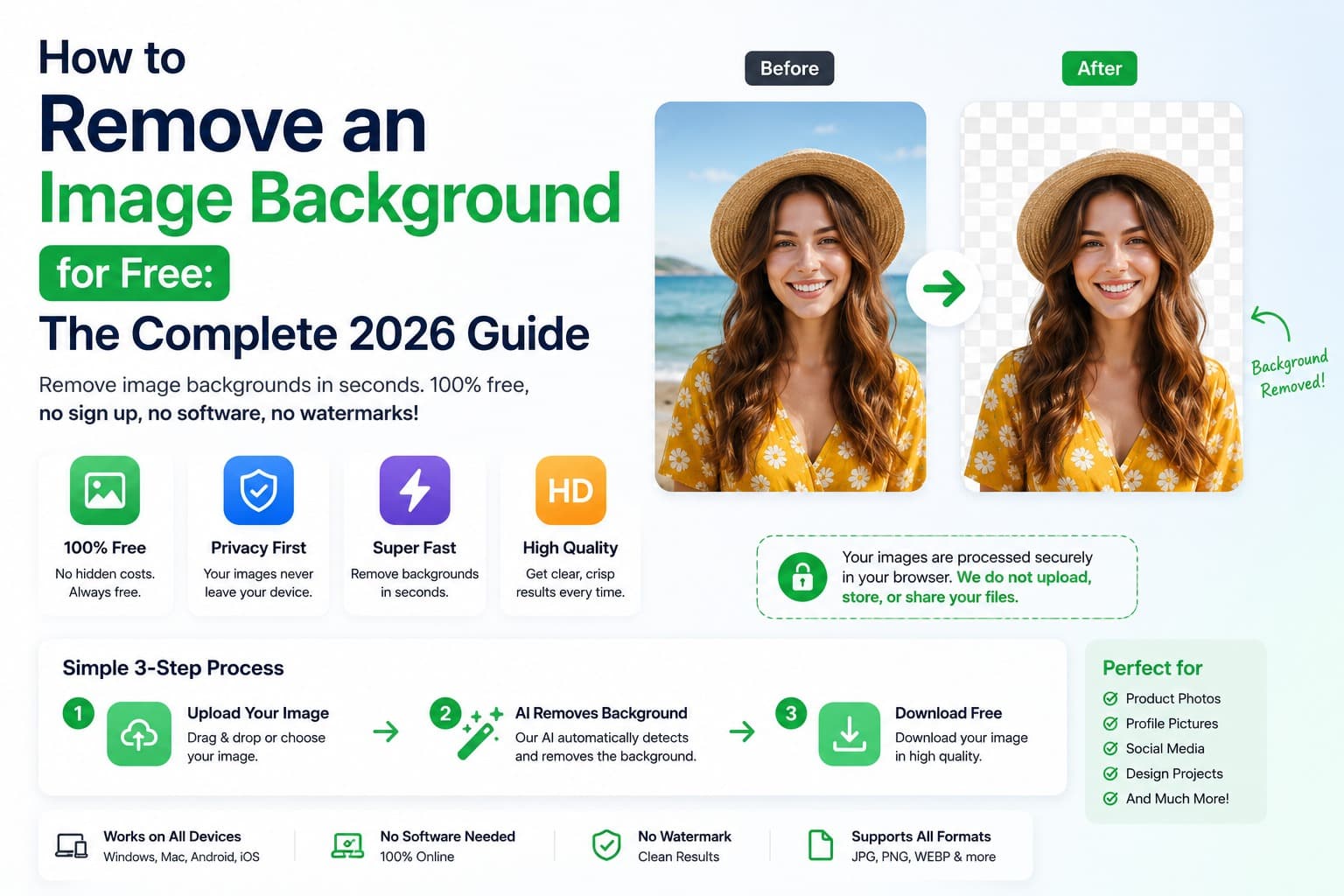
How to Remove an Image Background for Free
Need a clean, transparent background without Photoshop? Learn how to remove an image background for free in one click - right in your browser, with no uploads, no watermarks, and no software to install.
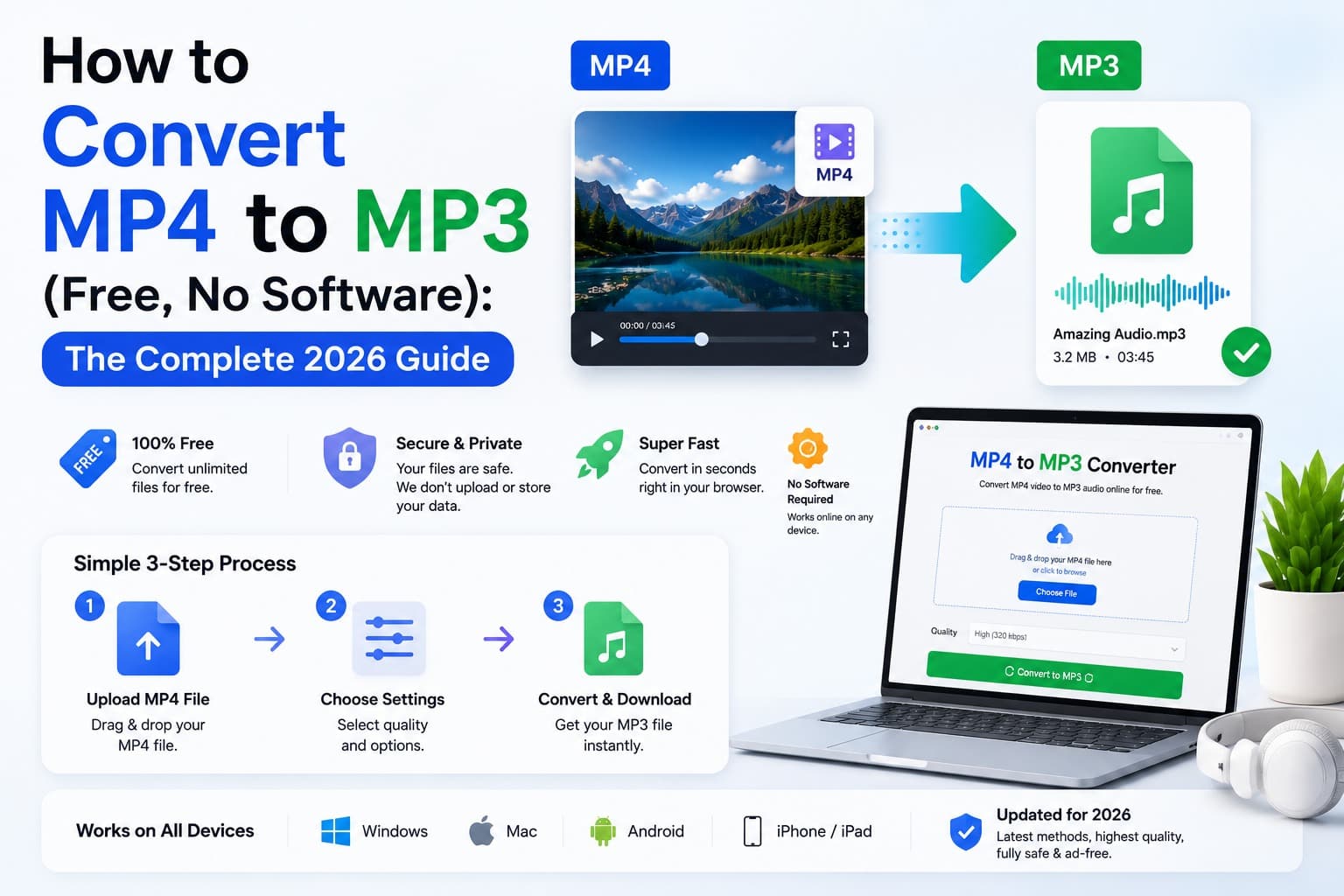
How to Convert MP4 Video to MP3 Audio
Want just the audio from a video? Learn how to convert MP4 to MP3 for free - no software to install and no uploads. Extract music, podcasts, lectures, and voice notes from any video right in your browser.
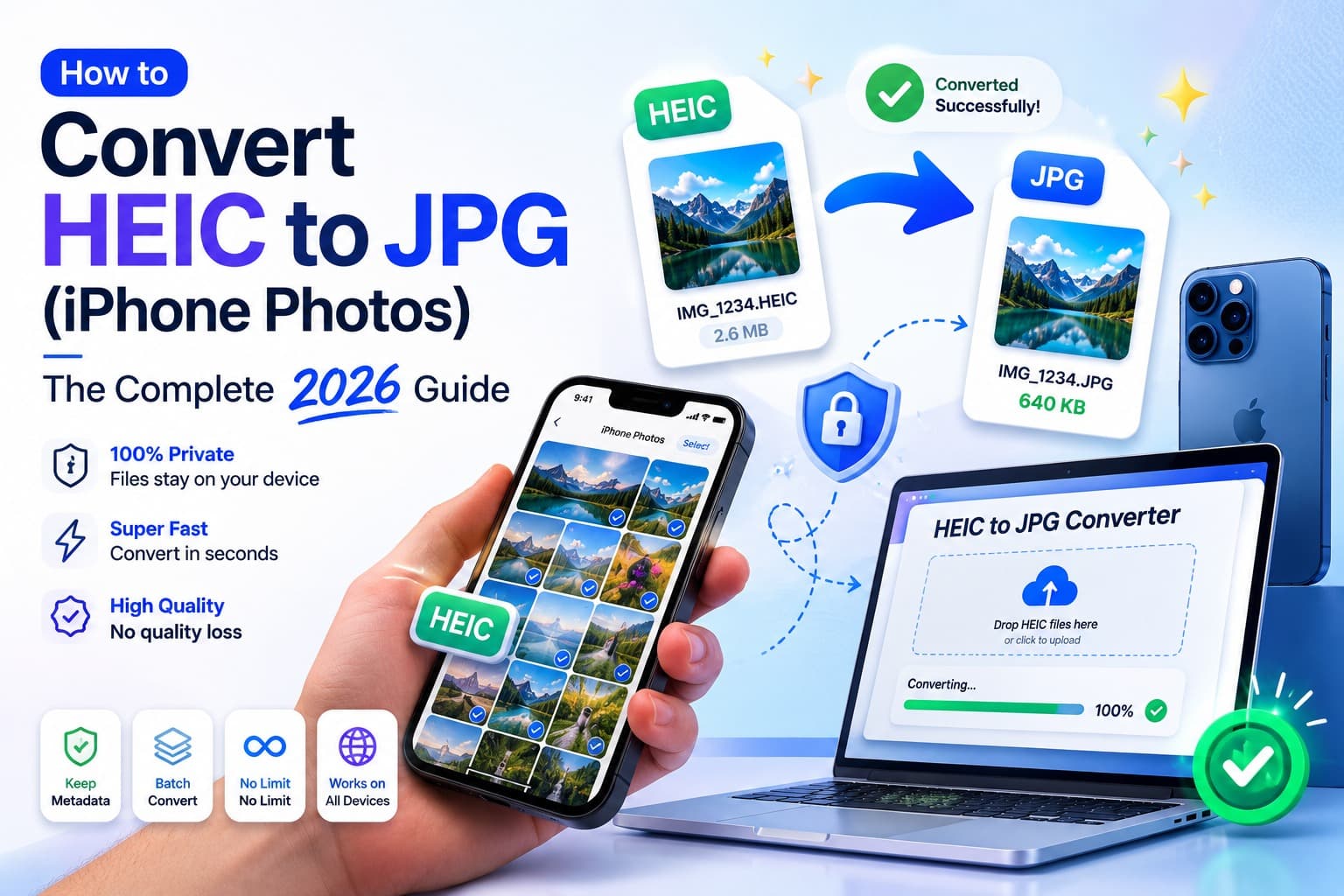
How to Convert iPhone HEIC Photos to JPG
iPhone photos saved as HEIC won't open on Windows, older apps, or many websites? Learn what HEIC is, why Apple uses it, and how to convert HEIC to JPG quickly, privately, and in bulk - no software to install.
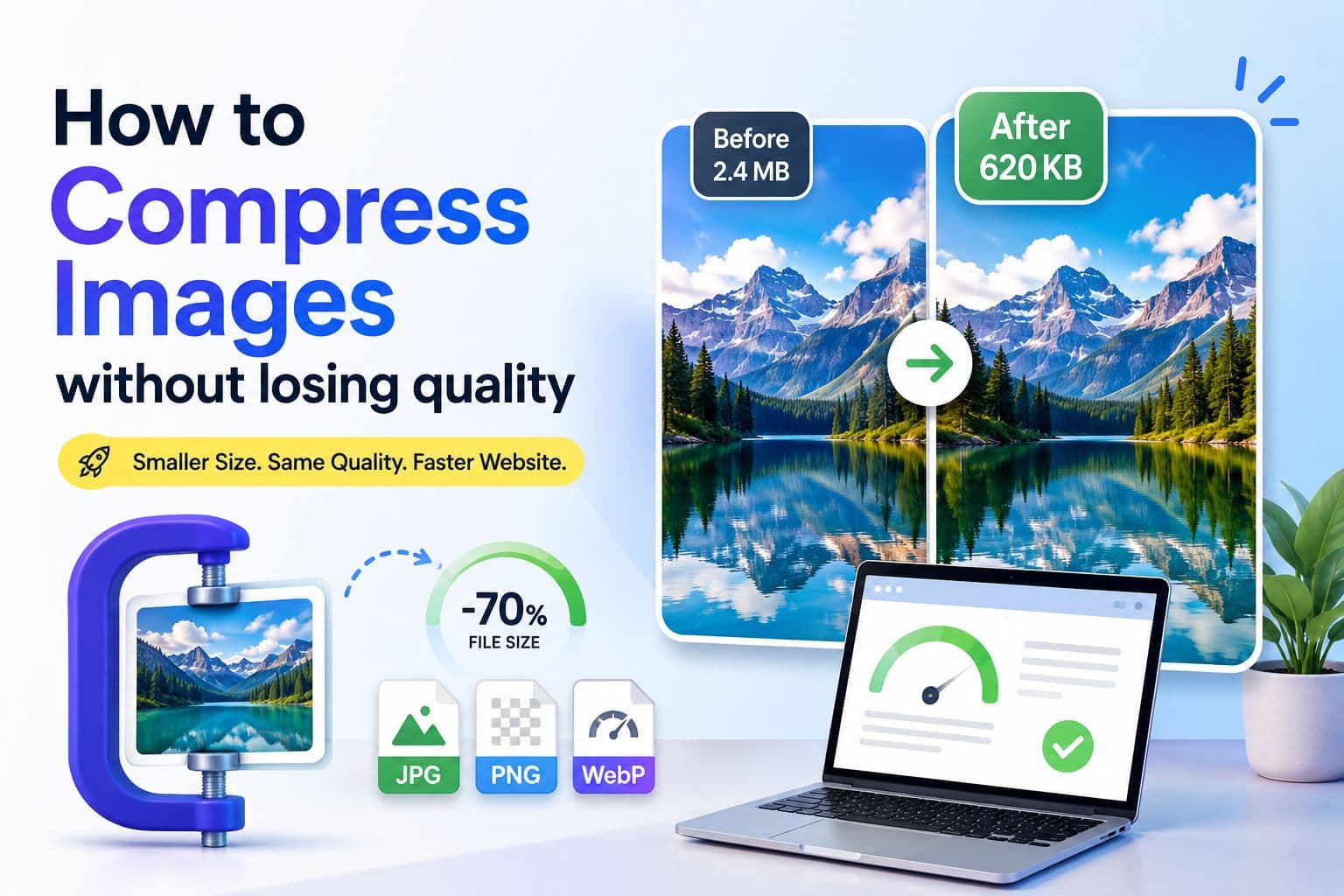
How to Compress an Image Without Losing Quality
Learn how to compress JPG, PNG, and WebP images without visible quality loss. Step-by-step guide covering the best formats, compression settings, and common mistakes to avoid.
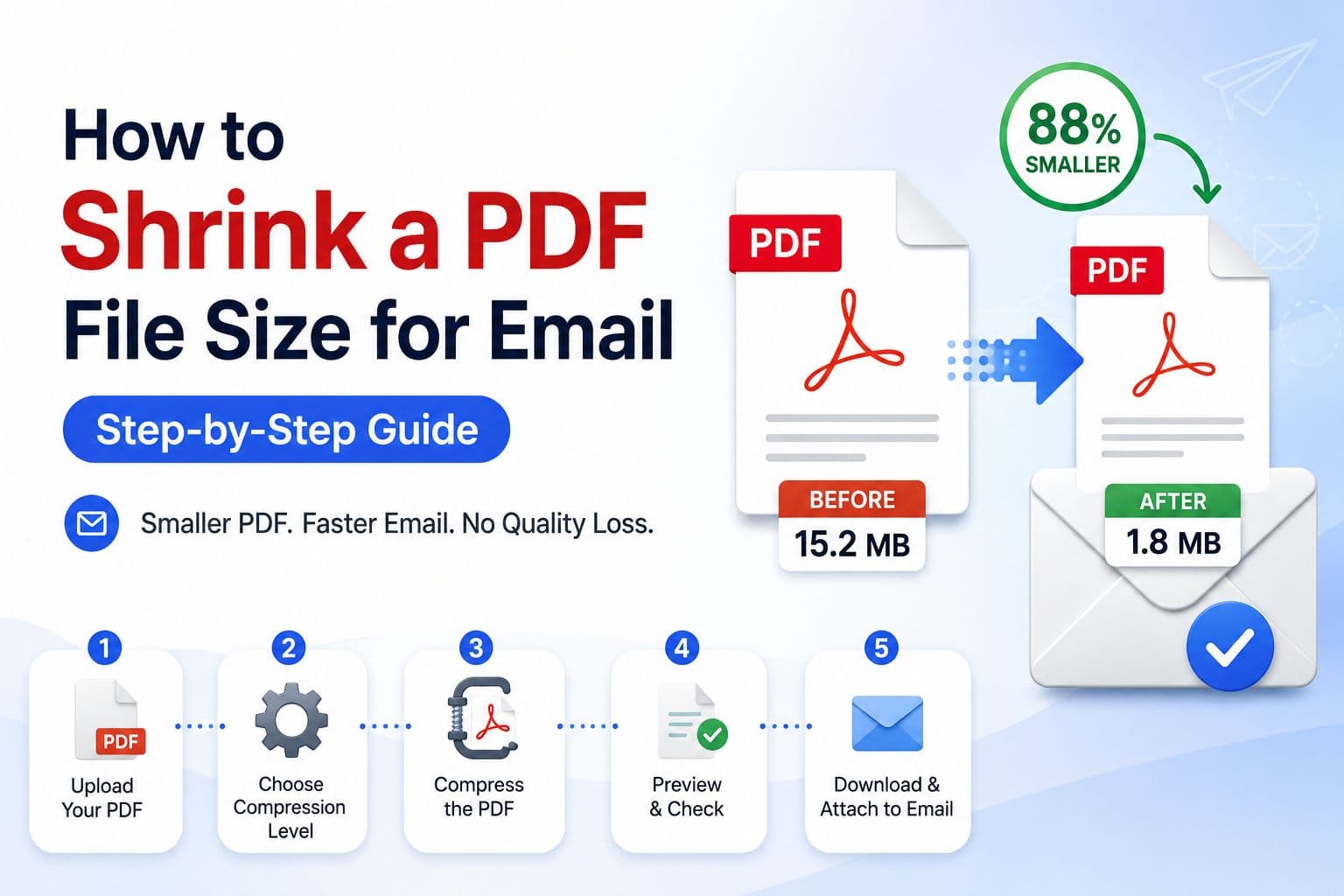
How to Make a PDF Small Enough to Email
Email attachments too large? Learn how to compress, split, and optimize PDF files so they send cleanly every time - no software installation required.
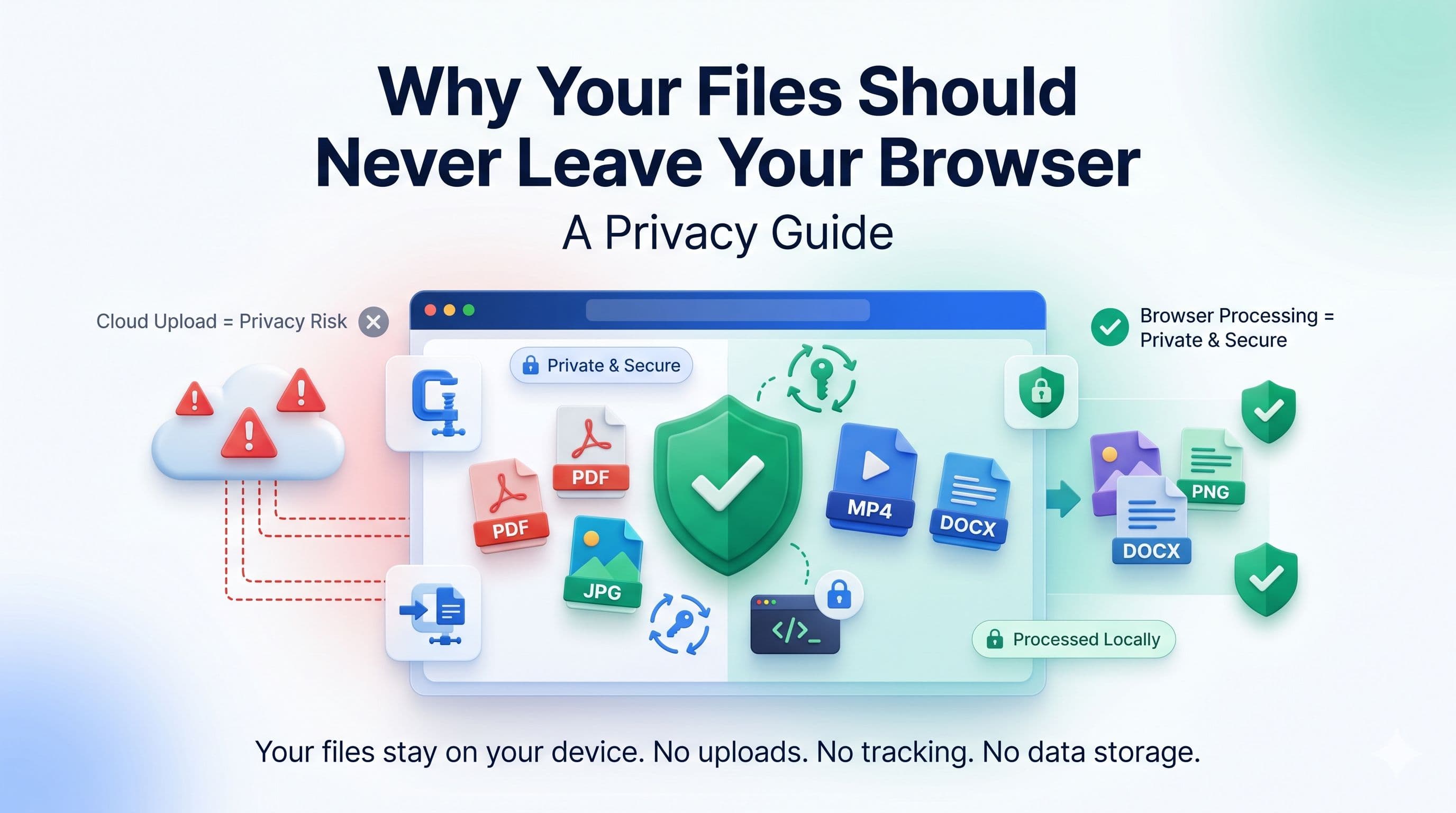
What Browser-Based File Processing Means for Privacy
Learn the difference between local and server-side file tools, how to check where processing happens, and what browser-based privacy does and does not guarantee.