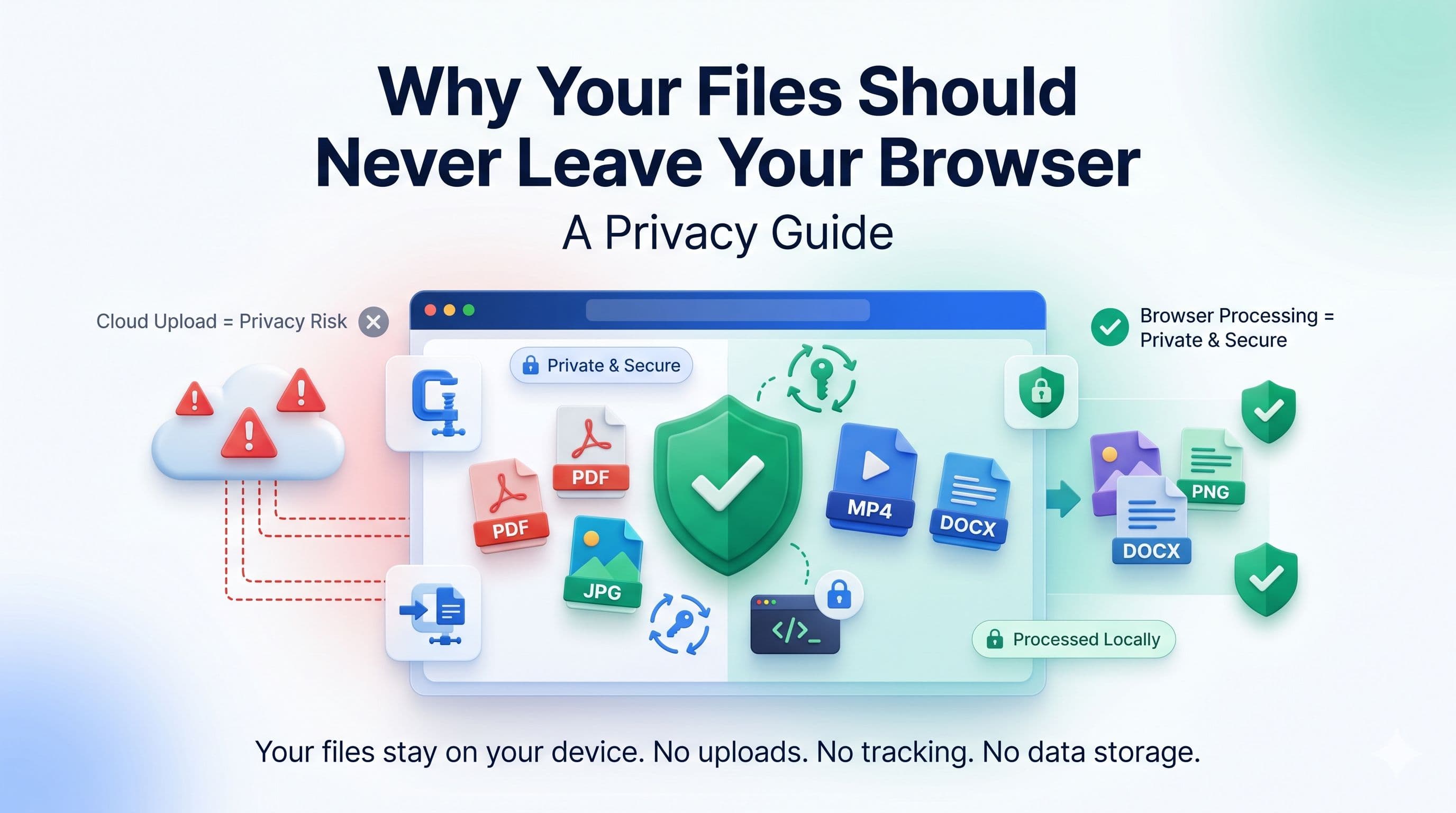
Introduction
People routinely use online tools to convert and compress documents, photos, and videos. The workflow is convenient, but it is still worth asking where a selected file goes when you click upload.
Some tools transmit files to remote infrastructure; retention, subprocessors and processing location depend on the service's disclosed practices. Those details matter more for contracts, medical reports, financial statements and identity documents.
Browser-based file processing can keep selected file contents on your device instead of uploading them to a processing server. In this guide, we explain how it works, why it matters, and what to check alongside a service's privacy policy.
Why File Privacy Matters More Than Ever
Digital privacy is no longer a concern only for journalists or activists. For anyone who works with files professionally or personally, understanding where your data goes is a basic act of self-protection.
The Scale of Sensitive Files Processed Online
Consider what people regularly process using online file tools:
- Legal documents - contracts, agreements, court filings, power of attorney forms
- Financial records - tax returns, bank statements, payslips, invoices
- Medical information - test results, prescriptions, insurance claims, referral letters
- Identity documents - passports, driving licences, national ID cards, visas
- Personal communications - letters, personal photos, private correspondence
Each time one of these files is uploaded to an unknown server, you lose control of it. You do not know who has access to that server, how long the file is stored, whether it is encrypted at rest, or what happens to it after processing.
Data Breaches Are Common
A breach can expose files or metadata that remain retained or accessible at that time. Reducing unnecessary third-party transfers and retention therefore reduces one category of exposure.
Legal and Compliance Risks
Organizations may have legal, contractual or policy requirements governing third-party processing. Local processing can reduce disclosure to a processor, but does not by itself establish GDPR, HIPAA or SOC 2 compliance; review organizational requirements and the service's terms and privacy disclosures.
The stakes are real - and they are avoidable.
How Most Online File Tools Actually Work
Understanding the problem requires understanding how server-side tools operate.
The Server-Side Model
When you use a traditional online file tool:
- You click upload or drag a file into the tool.
- Your file is transmitted from your device to the tool's server - traveling across the internet in the process.
- The server processes the file (converts, compresses, merges, etc.).
- The processed file is transmitted back to your device.
- Your original file may remain in memory or storage according to the service's design and retention policy.
At no point in this process do you have any visibility into what happens to your file on the server. You are trusting that it is handled securely, deleted promptly, and never accessed by anyone other than the automated process. That trust may or may not be warranted.
The Hidden Risks
Even services with good intentions carry risks:
- Server logs may record file names and metadata even if the file itself is deleted promptly.
- Caching or storage configuration may retain content beyond the processing request.
- Integrated telemetry or error reporting could expose metadata or content if it is misconfigured.
- Insider threats - employees with server access are a risk in any organization.
- Legal requests - governments can compel companies to hand over stored data.
Local processing removes the upload and server-retention risks, but it does not protect against a compromised device, unsafe browser extension, weak email account or a file you later share with the wrong person.
What Browser-Based Processing Actually Means
Browser-based or client-side processing is not a marketing phrase - it describes a specific technical architecture that has become possible because of how powerful modern web browsers have become.
The Technology Behind It
Modern browsers include powerful APIs and engines that can perform complex operations on files:
- Web Workers - allow heavy computation to run in background threads without freezing the browser tab
- WebAssembly (WASM) - allows near-native-speed code execution in the browser, enabling tools like PDF manipulation and video encoding
- Canvas API - enables pixel-level image processing, compression, and format conversion
- File API - allows web applications to read local files without uploading them
- Web Audio API - enables audio file processing and conversion locally
Combined, these technologies can perform many tasks without uploading selected file contents to a processing server. Page code, models, fonts, ads or analytics may still be downloaded or exchanged separately.
How to Verify a Tool Is Truly Browser-Based
Not every tool that claims to be "private" actually processes files locally. Here is how to verify:
- Open your browser's Network tab (F12 → Network) before uploading.
- Upload your file.
- Watch the network requests - if you see a large data upload to an external URL, your file is being sent to a server.
- No request carrying file content is evidence consistent with local processing, although inspection can require technical expertise.
Offline operation after required assets load is another useful signal, but it is not proof and depends on browser cache state.
Step-by-Step: Choosing a Privacy-Safe File Tool
Follow these steps whenever you need to process sensitive files online:
Step 1 - Identify Your File's Sensitivity
Before choosing a tool, assess what is in the file:
- Low sensitivity (images of products, generic documents): server-side tools are probably fine.
- Medium sensitivity (work documents, non-personal data): prefer browser-based tools.
- High sensitivity (ID documents, contracts, financial or medical records): follow your organization's policy; local or offline software may reduce third-party transfer.
Step 2 - Check the Tool's Processing Model
Look for a clear statement about how processing works. EveryFileTool displays "processed in your browser" on relevant tool pages. If a service does not explain its processing model, treat it as unknown and check its disclosures and network activity.
Step 3 - Use the Network Tab to Verify
As described above, open Developer Tools and monitor network activity while using the tool. This is a useful check, but interpreting all requests correctly can require technical expertise.
Step 4 - Check the Privacy Policy
Look specifically for how long files are retained, whether they are shared with third parties, and what jurisdiction the company operates under. A privacy policy that does not mention file retention is a red flag.
Step 5 - Use Browser-Based Alternatives by Default
Make browser-based tools your default for all file processing. EveryFileTool's image compressor, PDF tools, video tools, and converters all run entirely in your browser. Adopt them as your standard workflow - not just for sensitive files.
Common Misconceptions About Online File Privacy
"The tool deletes files immediately after processing"
This may be true - but you have no way to verify it. Deletion policies are enforced by the tool's operators, and you have no visibility into or control over when, how, or whether deletion actually occurs. Browser-based processing eliminates the need to trust anyone's deletion policy.
"HTTPS means my file is private"
HTTPS encrypts the transmission of your file from your device to the server. It does not protect your file once it arrives at the server. The tool operator still has full access to it.
"Free tools are safe because they have nothing to gain"
A service's business model alone does not establish how it handles files. Check its processing design, privacy policy, retention terms and third-party disclosures rather than assuming that free or paid means safe.
"I only use reputable, well-known tools"
Large, well-known companies are not immune to breaches, subpoenas, or policy changes. The safest approach is to minimize exposure entirely by keeping files on your own device.
Frequently Asked Questions
What types of files can be processed in the browser?
Many common image, PDF, audio, video, archive and document tasks can run locally, subject to browser, codec, memory and file limits. Support depends on the specific tool and device.
Does browser-based processing work on mobile devices?
Many local tools work in modern mobile browsers, but codec support, available memory and performance vary. When supported, local tools still avoid sending selected file contents to a processing server.
Is browser-based processing slower than server-side processing?
Performance depends on file size, the device, the algorithm and network conditions. Local processing avoids a file upload and result download, while server hardware may be faster for some workloads.
Can I use EveryFileTool offline?
Some tools may continue after required code, models or runtimes have loaded and been cached. Do not rely on offline operation without testing the specific tool and browser.
Does browser-based processing mean my files are stored in the browser?
EveryFileTool does not intentionally persist selected files. Browsers and devices manage temporary memory and caches, while downloaded results persist wherever you save them.
Check where the work happens
The files you process online can contain sensitive information. Browser-based processing removes the application-level upload and remote-retention step, while device security, browsers, extensions, analytics, downloaded assets and later sharing remain relevant.
EveryFileTool's current file-processing tools process selected files locally and do not upload those files to EveryFileTool. Review the privacy policy for supporting network activity and start with the full tool library when local processing fits your requirements.