The quick answer
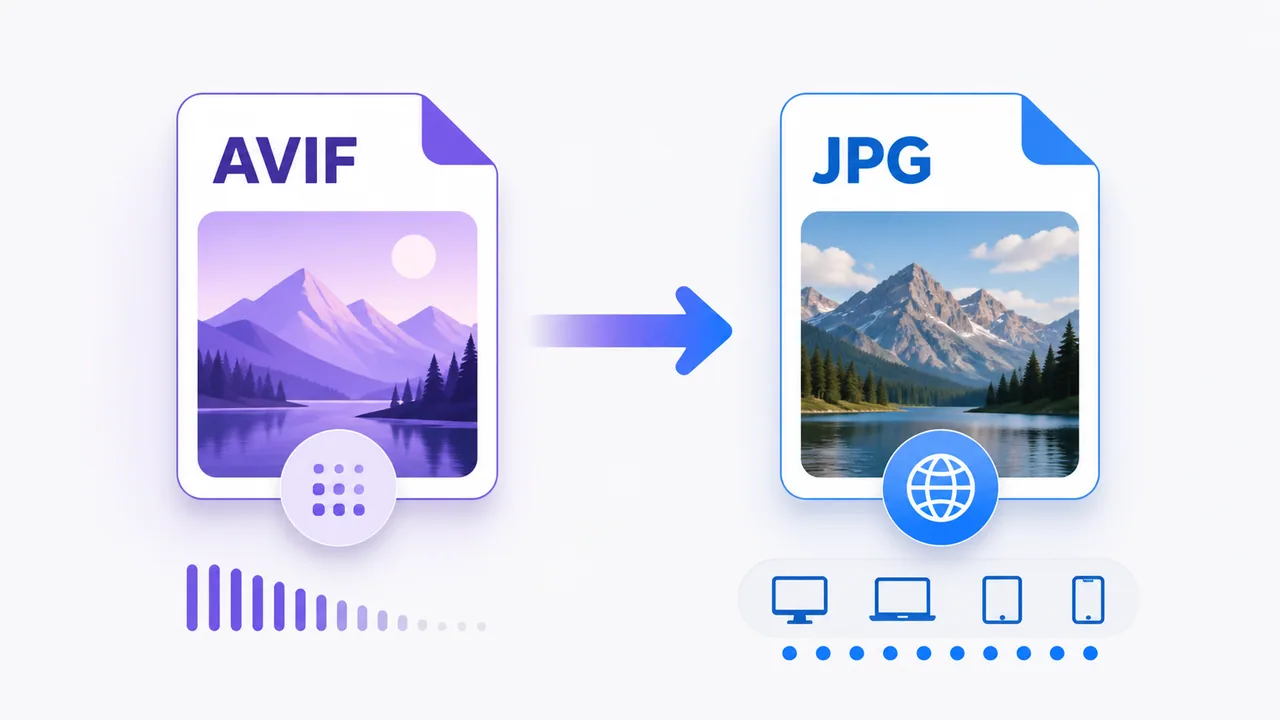
AVIF is a modern image format designed for efficient compression and advanced image features. JPG is older and less feature-rich, but it remains one of the easiest image formats to open, edit, upload and share.
Keep AVIF when small delivery size or modern web-image capabilities matter and every part of your workflow supports it. Convert to JPG when a form, editor, device or recipient needs the more familiar format. You can use AVIF to JPG when your browser can decode the still AVIF image.
Conversion is a compatibility step, not a quality upgrade. A JPG cannot recover detail that is missing from the AVIF source, and JPEG encoding adds another lossy compression stage.
AVIF and JPG at a glance
AVIF stores images using technology based on the AV1 video codec inside an image-file structure. The Alliance for Open Media publishes the AVIF specification. The format can support features such as high bit depth, HDR and transparency, although a particular image may use only a basic subset.
JPG, also called JPEG, was designed much earlier. It is particularly effective for photographs and continuous-tone images, but standard JPG does not support transparency. Its biggest advantage is practical compatibility across browsers, operating systems, editors, office software and upload forms.
Compression and file size
AVIF is designed to achieve strong visual quality at compact sizes. That does not mean every AVIF is automatically smaller than every JPG. File size depends on:
- pixel dimensions
- image complexity and noise
- encoder quality and effort
- chroma and bit-depth choices
- embedded metadata and profiles
A high-quality AVIF can be larger than a heavily compressed JPG. Compare outputs at a similar visual quality rather than judging a format from one example.
JPG remains predictable for photographs. Its quality slider is widely understood, encoding is generally quick, and almost every image workflow can read the result. For existing JPG photographs, repeatedly saving as JPG can accumulate compression artifacts, so keep an original when further editing is likely.
Compatibility is the practical difference
Modern browsers commonly support AVIF, but a complete workflow includes more than the browser displaying a page. An older image editor, document application, marketplace, print service or upload form may still reject the extension or MIME type.
JPG is usually the safer handoff format when you do not control the recipient's software. It is a good choice for:
- online forms that explicitly request JPG or JPEG
- office documents and presentation tools
- photo printing services
- older editors or content-management systems
- sharing with someone who needs a simple editable copy
Before converting a large collection, test one file in the destination that matters.
Quality, transparency and HDR
Both AVIF and JPG are commonly used with lossy compression. Conversion therefore needs a conscious quality setting. Very low JPG quality can create blockiness, ringing and smudged detail; very high quality can create a larger file without a visible benefit.
JPG also has important feature limits:
- no alpha transparency
- standard workflows usually use 8-bit color
- no direct preservation of AVIF-specific HDR behavior
If an AVIF has transparent pixels, a JPG result must replace them with a solid background. EveryFileTool's current dedicated converter is intended for still AVIF images and relies on the browser's decoded rendering. Review the output when transparency, HDR or color fidelity is important.
How to convert AVIF to JPG
1. Open the converter
Go to AVIF to JPG. The dedicated route uses EveryFileTool's existing browser image-processing engine.
2. Choose a still AVIF image
The browser attempts to decode it locally. If that browser cannot decode the source, the tool stops with an honest support message rather than creating a misleading output.
3. Choose JPEG quality
Start near the default and preview the result. Lower quality can reduce size but may introduce visible artifacts. Keep the original AVIF so you can try again.
4. Convert and inspect
The image is drawn into a browser canvas and encoded as JPEG. Before showing success, the tool verifies the output MIME type and JPEG file signature.
5. Download the JPG
Open the result in the destination app or upload form. Use Image Compressor afterward only if you need a smaller JPG and accept another quality adjustment.
When not to convert
Keep AVIF when the destination supports it and its smaller delivery size or advanced features are valuable. Converting simply because JPG is familiar can increase file size, remove transparency or reduce color capabilities.
For a broader choice among traditional web formats, read PNG vs JPG vs WebP or use the Image Converter when you need another supported output.
Frequently asked questions
Is AVIF better than JPG?
It is better for some delivery and compression goals, but JPG can be better for compatibility. The right format depends on the complete workflow, not one technical feature.
Can conversion make an AVIF sharper?
No. It may look different because of decoding, color handling or JPEG settings, but conversion cannot recreate source detail.
Is the file uploaded?
No. AVIF decoding, canvas processing and JPEG verification occur in your browser.
Why did my JPG become larger?
The AVIF source may have been encoded very efficiently, while the chosen JPG quality retains more data. A larger JPG is not necessarily a failure if compatibility was the purpose.